Private & semi-private
One-to-one or two-person lessons, with rates for each. Offer individual bookings or a recurring weekly time.
The Sessio toolkit
Scheduling, payments, and the details in between. One place for you and your clients to keep things moving.
Teach your way
One-to-one or two-person lessons, with rates for each. Offer individual bookings or a recurring weekly time.
Clients book individual dates. Set the price, capacity, and who can reserve a place.
Bundle the sessions in a schedule week into one booking. Useful for a camp or a multi-day workshop.
One enrollment covers the full course. Clients join before the series begins.
Your schedule
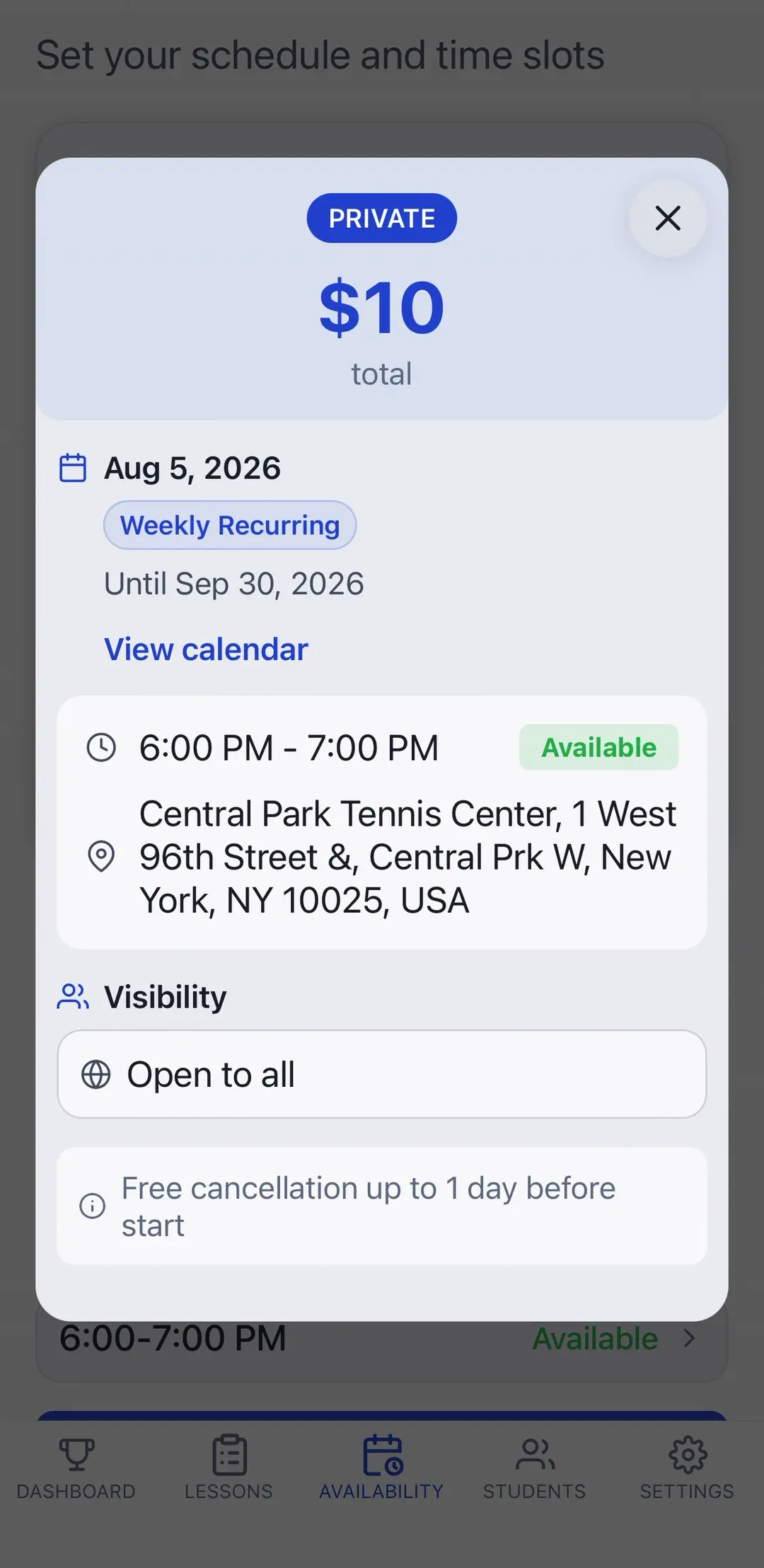
Publish bookable availability instead of coordinating every lesson by message. Keep regular clients on a weekly rhythm and leave room for one-off bookings.
Getting paid
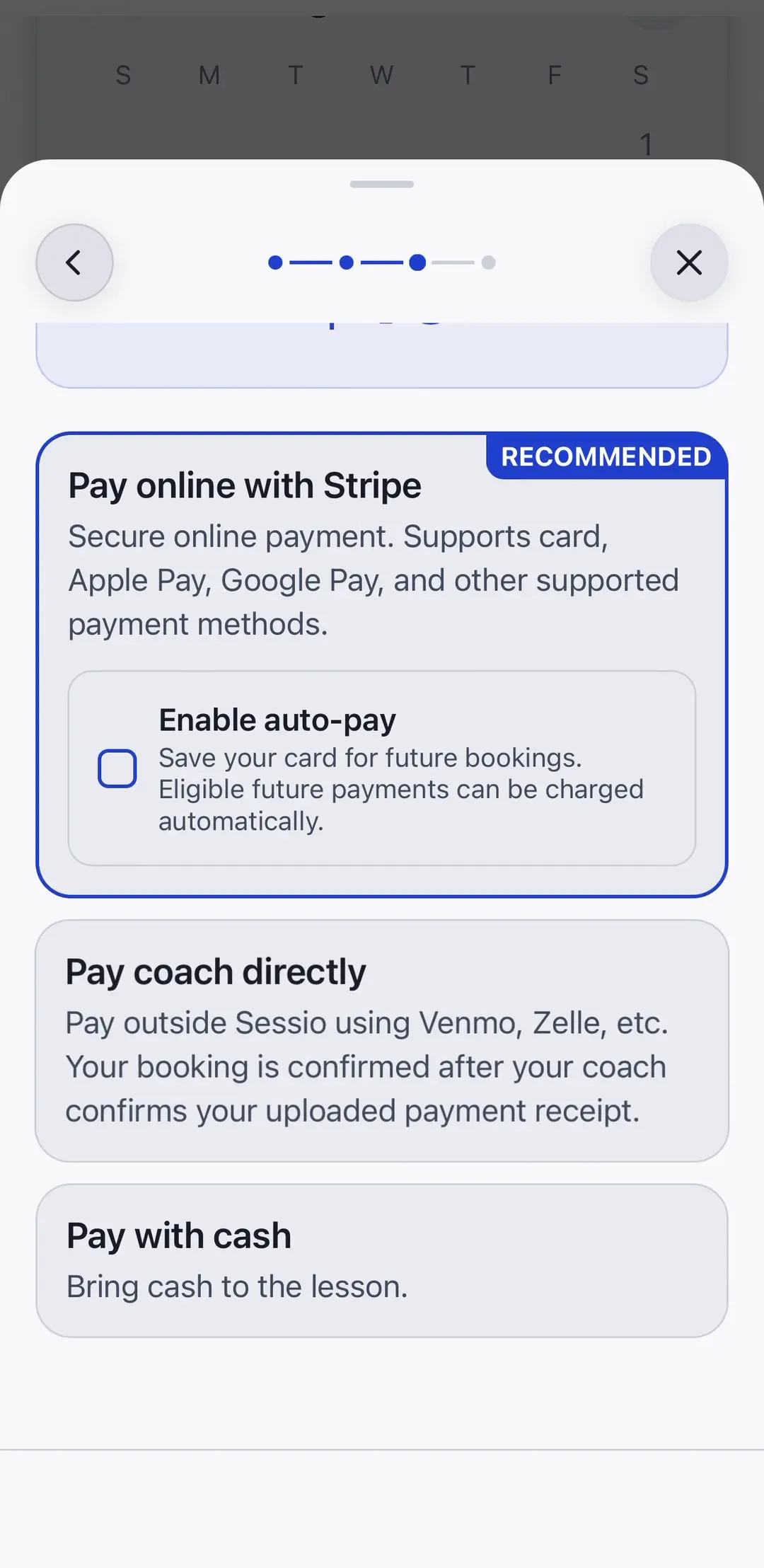
Accept cards through Stripe, including Apple Pay and Google Pay where supported. Offer cash or payments through your usual payment apps when you prefer.
Teaching a group
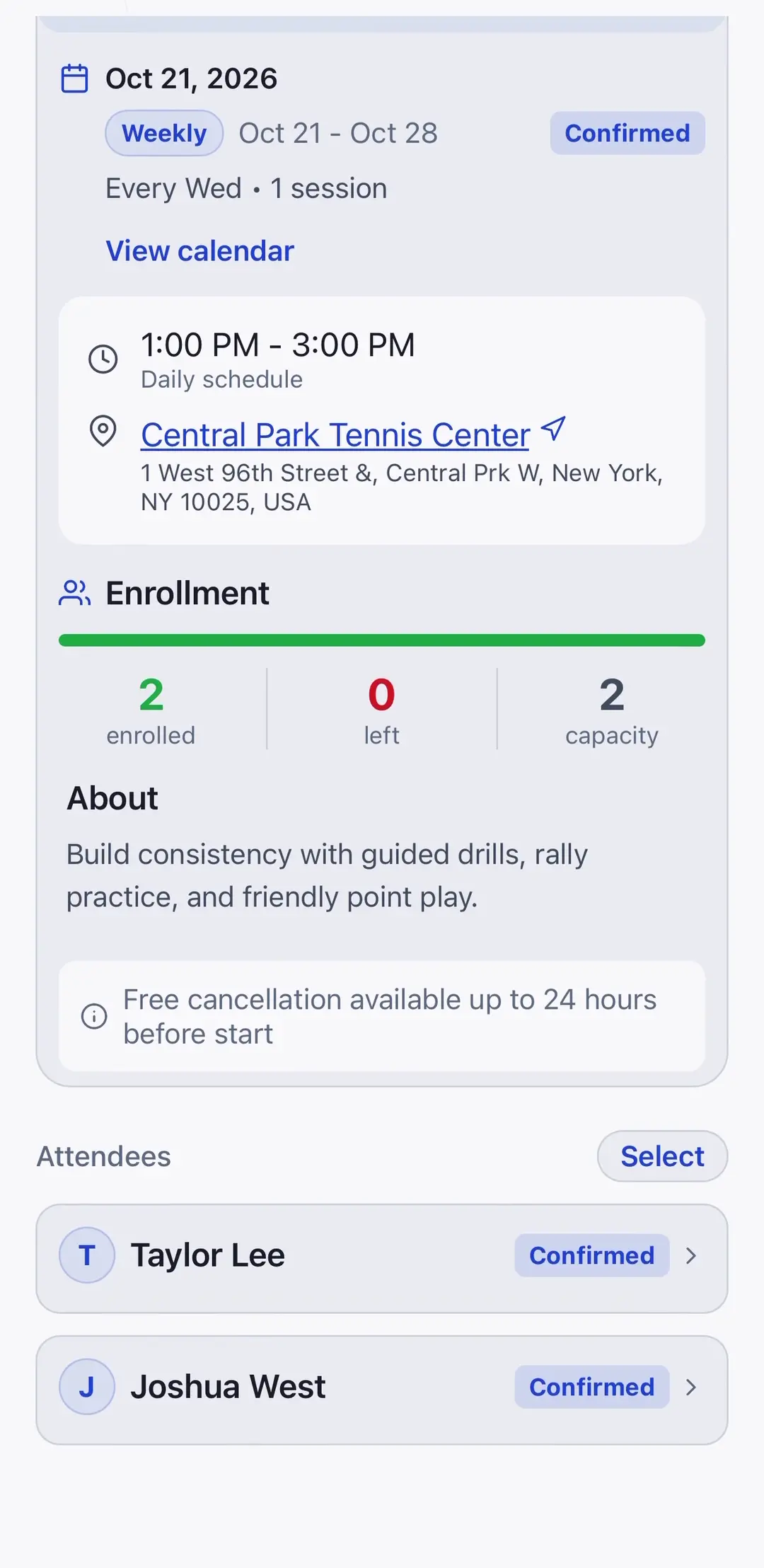
Choose the group format that matches what you teach. Keep capacity, enrollment, and each attendee's booking together without a separate spreadsheet.
Between lessons
Reschedule eligible lessons or update a location while keeping the booking and payment record connected. Clients see the cancellation policy before they book.
Eligible refunds become credit with the same provider and currency, ready to apply to another booking. Clients can request a full-balance cash-out, handled by their provider outside Sessio.
Sync confirmed bookings to a selected calendar on iPhone or Android. On the web, connect Google Calendar or Outlook. Changes sync too; native calendar sync runs while Sessio is open.
Booking, payment, and cancellation notifications take you to the relevant lesson. Enable reminders to help keep upcoming sessions on your radar.
Keep lesson notes, attendance, payment history, and receipts alongside the session. Email receipts follow completed paid sessions.
See revenue, upcoming sessions, and billable usage on your dashboard. Manage connected clients and their personal discounts in one place.